
Contact Enumera: let’s talk
Contact Enumera if you have questions about the plans, Verifactu, Facturae or how to bring your data over from another program. Write to us at info@enumera.es or use the form and we’ll reply by email as soon as possible.
We’ll help you choose your plan and get started with Enumera
Tell us what you need: choosing your plan, migrating your data from another program or answering a question about Verifactu. You can also check the manual, which explains every screen.
Write to us
info@enumera.es
User guide
Every screen in the app, step by step.
Plans and pricing
Start for free, with no card and no commitment.
Already have an account?
Sign in and pick up where you left off.
Contact form
Leave us your details and we’ll reply by email as soon as possible.
Before you write to us
How can we help?
You may find the answer right here. If not, write to us and we’ll reply by email.
Discover the features
Invoicing with Verifactu, expenses with OCR, accounting, CRM, projects and a client portal.
Answers to your questions about Verifactu
What it is, when it will be mandatory and how Enumera handles it on every invoice.
Choose your plan
Start for free with no card, and change plan whenever you need. No commitment.
FAQ
Quick questions
If you can’t find what you’re looking for, write to us and we’ll help.
How do I contact Enumera?
Write to us at info@enumera.es or use the form on this page and choose the topic: plans and pricing, Verifactu and Facturae, data migration or technical support. We’ll reply by email as soon as possible.
How do I change plan or cancel my subscription?
From your account menu, under Subscription. Upgrading applies immediately and you only pay the pro-rata amount; downgrading, on the other hand, is scheduled for the renewal. If you cancel, you keep access until the end of the paid period and can revoke the cancellation before then.
What do I do if I lose access to my two-factor app?
Sign in with one of the recovery codes you saved when you switched on two-factor authentication: each one works only once. Then, in Profile › Security › Two-factor, you can switch it off by confirming your password and switch it back on from your new device.
Can I try Enumera before subscribing?
Yes. The Free plan is free and doesn’t ask for a card. It also includes 2 months of the Profesional plan so you can try its features. See the plans.
How do I bring my data over from another program?
From Migrations you upload the Excel, CSV or Facturae XML exactly as your program exports it, and the AI suggests which field each column goes to. If you have questions about your case, write to us.
Where can I find help using the app?
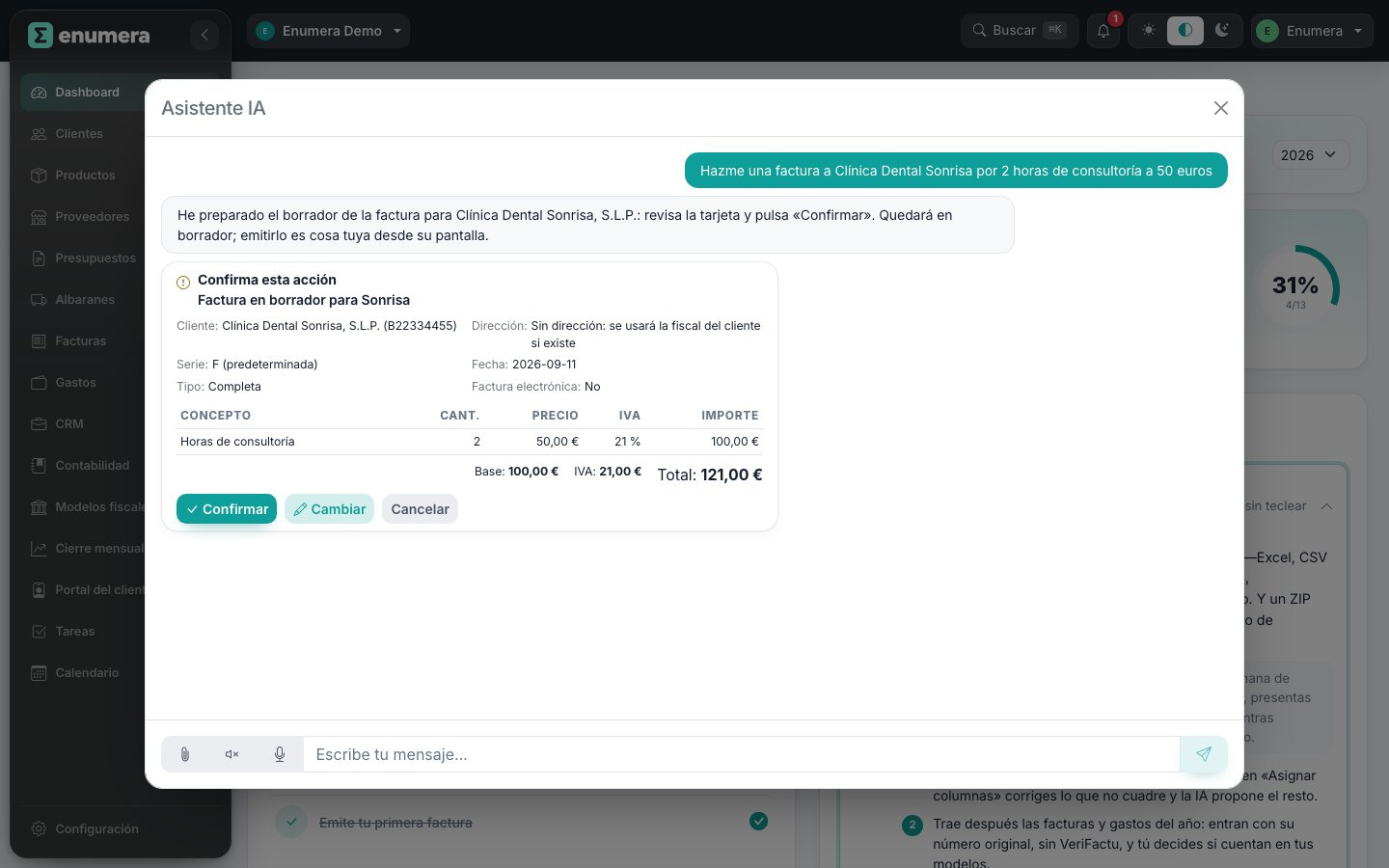
In the user manual, which explains every screen step by step. You can also ask the AI assistant from within the app.
How do I sign in if I already have an account?
Go to app.enumera.es and sign in with your email and password. If you’ve forgotten your password, you can recover it from the same screen.